Insnoop
Insnoop Review: How to View Instagram Stories Anonymously & Safely
We have all been there at some point in our digital lives. You are scrolling through your phone, and a sudden spark of curiosity hits you. Maybe you want to check up on an old friend you haven’t spoken to in years, or perhaps you are doing a little market research on a competitor’s brand. But there is one big problem holding you back: you do not want them to know you are looking. In the world of social media, every click and view usually leaves a digital footprint. This is where tools like Insnoop come into the picture to save the day.
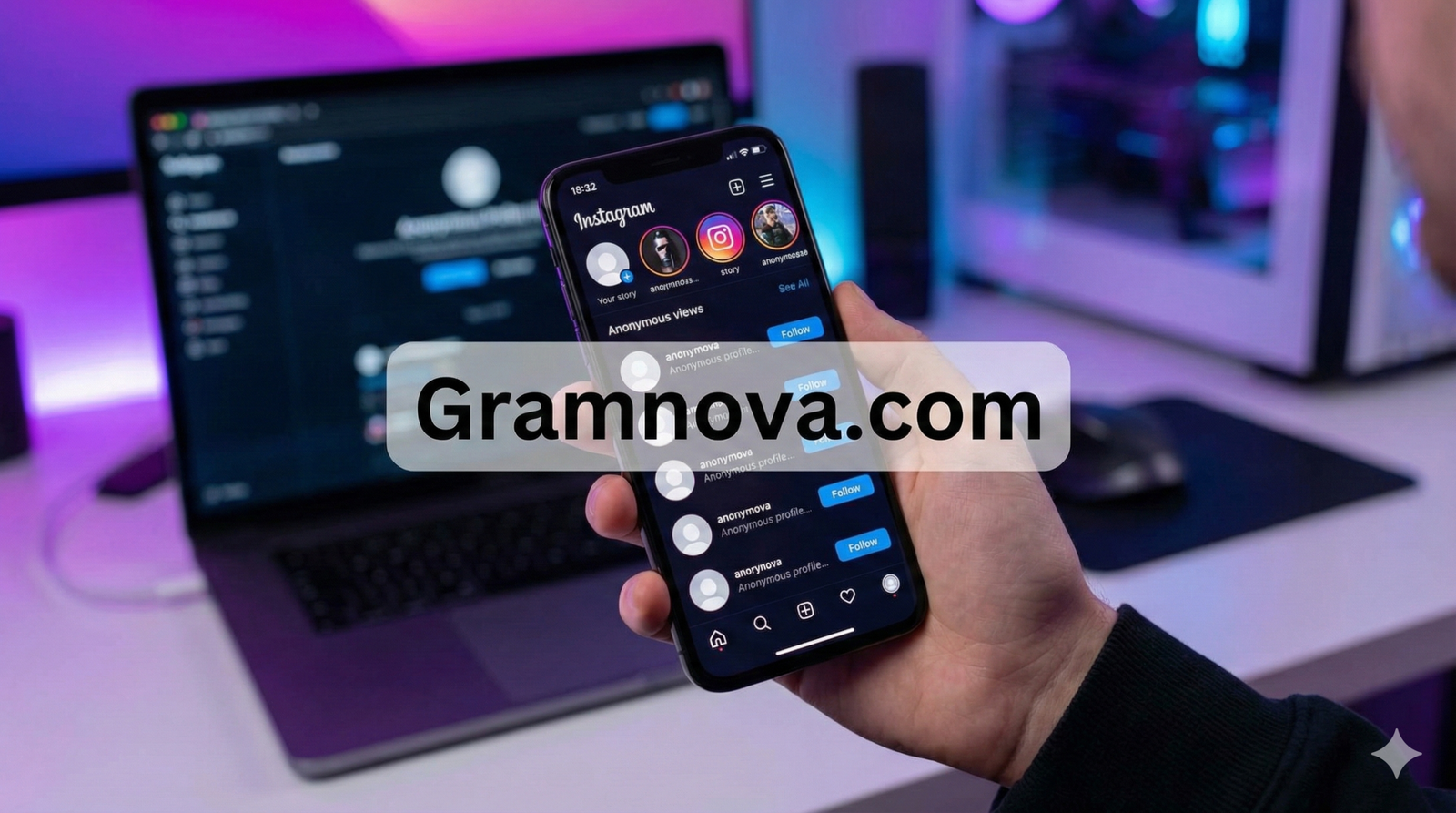
Insnoop is a specialized online tool designed to help users browse Instagram content without the need to log into an account. It acts as a protective shield between your curiosity and the person’s notification list. Instead of accidentally liking a photo from three years ago or showing up in someone’s “Seen By” list on their stories, you can browse freely. In this detailed guide, we will explore everything you need to know about this tool, how it works, and why it has become a go-to solution for thousands of users in the USA who value their online privacy.
What Is Insnoop?
At its core, Insnoop is a web-based search engine specifically built for Instagram. Think of it like Google, but strictly for public Instagram profiles. It allows you to view stories, posts, reels, and even profile pictures in full size without ever needing to open the official Instagram app. The biggest selling point for most people is that you do not need to have an Instagram account yourself to use it. You simply visit the website, type in a username, and the tool fetches the data for you in a matter of seconds.
Unlike many other third-party apps that require you to download suspicious files or complete endless surveys, Insnoop operates entirely in your web browser. This makes it incredibly accessible whether you are using a smartphone, a tablet, or a desktop computer. It scrapes the publicly available data from Instagram and presents it in a clean, easy-to-read layout. It is important to understand that this tool is designed for convenience and anonymity, catering to users who want to stay updated without engaging socially or leaving a trace of their presence.
Why Do People Use Anonymous Viewers?
The reasons for using an anonymous viewer vary from person to person, but the most common driver is simple curiosity mixed with a desire for privacy. For example, parents might want to check who their children are following or what they are posting without appearing overbearing. By using a tool like Insnoop, they can ensure their children are safe online without causing any family friction. It allows for a passive way of staying informed that does not require direct interaction or the creation of a “finsta” (fake Instagram) account.
Another massive use case is for professionals and marketers. If you are running a business, you often need to see what your competitors are doing. You might want to analyze their hashtag strategy, see which stories are getting engagement, or look at their visual aesthetic. If you view their stories from your official business account, they will know you are watching. Using Insnoop allows marketers to conduct thorough competitive analysis completely under the radar. It is a strategic way to gather information without tipping your hand to the competition.
Key Features of Insnoop
One of the standout features of this platform is its ability to display Instagram Stories anonymously. When you view a story through the official app, Instagram immediately notifies the user that you have seen it. However, when you use Insnoop, the tool views the story on your behalf. The user will never see your name in their viewer list. This feature alone is why the tool has gained so much traction. It provides a sense of freedom to explore content without the social pressure of reciprocation or the awkwardness of being “caught” looking.
Another fantastic feature is the HD Profile Picture Viewer. On the standard Instagram app, you cannot zoom in on profile pictures. They remain tiny little circles, making it hard to see who is actually in the photo. Insnoop solves this by allowing you to view and even download the profile picture in high definition. This is incredibly useful if you receive a follow request from a private account and you want to see if you recognize the person before accepting or rejecting their request.
How to Use Insnoop Step-by-Step
Using this tool is designed to be as straightforward as possible, even if you are not very technical. The first step is to open your preferred web browser, whether that is Chrome, Safari, or Firefox. Navigate to the Insnoop website. You will be greeted by a clean homepage with a prominent search bar. There is no confusing registration process or hidden buttons. You do not need to provide your email address or connect your own social media accounts, which is a huge plus for security-conscious users.
Next, you need to know the exact username of the person you want to view. Type the username into the search bar without the “@” symbol. For example, if you want to view a celebrity’s profile, just type their handle and hit the search button. The system will take a few moments to process the request. Once it loads, you will see their profile grid, stories, and highlights just like you would on Instagram, but without the risk of accidentally double-tapping a photo. You can click on any post to see the caption and comments as well.
Is It Safe and Legal?
Safety is a major concern when using any third-party tool, and rightfully so. The good news is that Insnoop is generally considered safer than many alternatives because it does not ask for your password. Many “viewer” apps try to trick you into logging in with your Instagram credentials, which puts your account at risk of being hacked or banned. Since this tool operates without a login, your personal account remains completely separate and secure. You are essentially just browsing a website, not linking your personal data.
Regarding legality, the tool operates in a “grey area” but generally stays on the right side of the law by only accessing public information. It does not hack into accounts or bypass password protection. It simply aggregates data that the user has already voluntarily shared with the public. However, it is always important to use such tools ethically. Viewing public stories is fine, but using any tool to harass or stalk someone is a violation of privacy and can have legal consequences. Always respect the boundaries of others when browsing online.
Does It Work on Private Accounts?
This is the most common question users ask, and it is important to be honest about the answer. Insnoop does not work on private Instagram accounts. If a user has set their profile to “Private,” their content is locked behind Instagram’s security walls. No legitimate web-based viewer can bypass this without hacking, which is illegal and unethical. If you see a website claiming it can unlock private profiles just by typing in a username, it is likely a scam designed to steal your information or infect your device with malware.
The tool relies on the Instagram API to fetch data that is accessible to the general public. If a user restricts their profile to “Followers Only,” that data is no longer public. Therefore, you can only use Insnoop to view profiles that are open to everyone. While this might seem like a limitation, it is actually a sign that the tool is legitimate. It respects the core privacy settings of the Instagram platform while providing a better viewing experience for the content that is intended to be seen by the world.
Mobile vs. Desktop Experience
One of the great things about Insnoop is its versatility across different devices. In the USA, many users prefer browsing on their iPhones or Android devices while on the go. The website is fully optimized for mobile browsers, meaning the layout adjusts perfectly to smaller screens. You can easily tap through stories, swipe through carousel posts, and download images directly to your phone’s gallery. The experience is smooth and feels very similar to using a native app, but without the storage space requirement.
On the other hand, the desktop experience offers its own set of advantages. If you are a designer or a marketer, viewing Instagram content on a large monitor allows you to see details you might miss on a phone screen. You can right-click and save images easily for your mood boards or research folders. Insnoop loads very quickly on desktop browsers, and the search function is often faster since you can type comfortably on a physical keyboard. Whether you are at your desk or on the bus, the tool performs consistently well.
Insnoop vs. The Competition
There are dozens of anonymous viewers out there, such as Dumpor, IGLookup, and AnonIG. So, how does Insnoop stack up against the competition? The main advantage is its simplicity and speed. Many competitor sites are overloaded with aggressive pop-up ads that make the site unusable. Some even redirect you to spammy websites every time you click a button. In contrast, this tool tends to have a cleaner interface that prioritizes the user experience over aggressive monetization.
Another point of comparison is reliability. Instagram frequently updates its code to prevent third-party scrapers from working. This leads to many viewer websites going offline for days or weeks at a time. Insnoop has a reputation for being more stable than most. While no tool is immune to Instagram’s updates, the developers behind this platform seem to be quick at fixing bugs and restoring service. This reliability is why users who find the tool tend to bookmark it and come back to it repeatedly rather than searching for a new one every week.
Quick Feature Breakdown
| Feature | Insnoop Capability | Why It Matters |
|---|---|---|
| Anonymous Story Viewing | Yes | View stories without your name appearing in the “Seen” list. |
| No Login Required | Yes | Keeps your personal account 100% secure and separate. |
| HD Profile Picture | Yes | See the full details of a profile photo (DP) clearly. |
| Download Media | Yes | Save photos and videos directly to your device in high quality. |
| Private Account Access | No | Respects privacy laws and platform security; avoids scams. |
| Device Compatibility | All Devices | Works smoothly on iPhone, Android, PC, and Mac browsers. |
| Cost | Free | No subscription fees or credit card details needed. |
Frequently Asked Questions
Conclusion
In a digital world where privacy feels increasingly rare, Insnoop offers a breath of fresh air. It empowers users to explore the vast world of Instagram content without sacrificing their anonymity. Whether you are a concerned parent, a strategic marketer, or just a curious individual, this tool provides the freedom to browse on your own terms. It removes the social anxiety of accidental likes and unwanted notifications, giving you control over your online experience.
By offering a secure, no-login solution that works across all devices, Insnoop has solidified its place as a must-have utility for social media users in the USA. While it is important to remember its limitations regarding private accounts, for everything else, it is a robust and reliable companion. So the next time your curiosity strikes, remember that you have a way to look without being seen. Give it a try and experience the freedom of invisible browsing today.
About the Author